The Physical Demands of Modern Legal Paperwork
Handling legal files requires far more durable equipment than a standard plastic desk stapler designed for schoolwork or grocery receipts. When a notary manages complex real estate transactions, living trusts, or multi-party corporate agreements, individual document packets routinely run between forty and two hundred pages of heavy bond paper. Standard wire staples will crimp, twist, or buckle midway through paper that thick, creating torn margins and ragged edges that look unprofessional.
In modern field practice, especially for specialists handling loan signing packets across title companies and mortgage lenders, paper handling is a daily mechanical challenge. A standard office tool simply cannot generate the leverage required to push through thick paper stacks cleanly. Forcing an underpowered tool through dense cardstock or heavy paper stock often jams the staple track, damages the underlying signature line, or creates jagged metal spurs that rip through shipping envelopes.
Beyond appearance, secure fastening protects the legal chain of custody. Court clerks, title underwriters, and county recording offices require document integrity, meaning pages must remain in their original sequence without loose sheets falling out during courier transit. Choosing the right document management tools—from high-leverage fasteners to flat-clinch mechanisms—ensures that every executed packet arrives intact, completely readable, and ready for official indexing.
High-Capacity Desktop Fasteners for Thick Packets
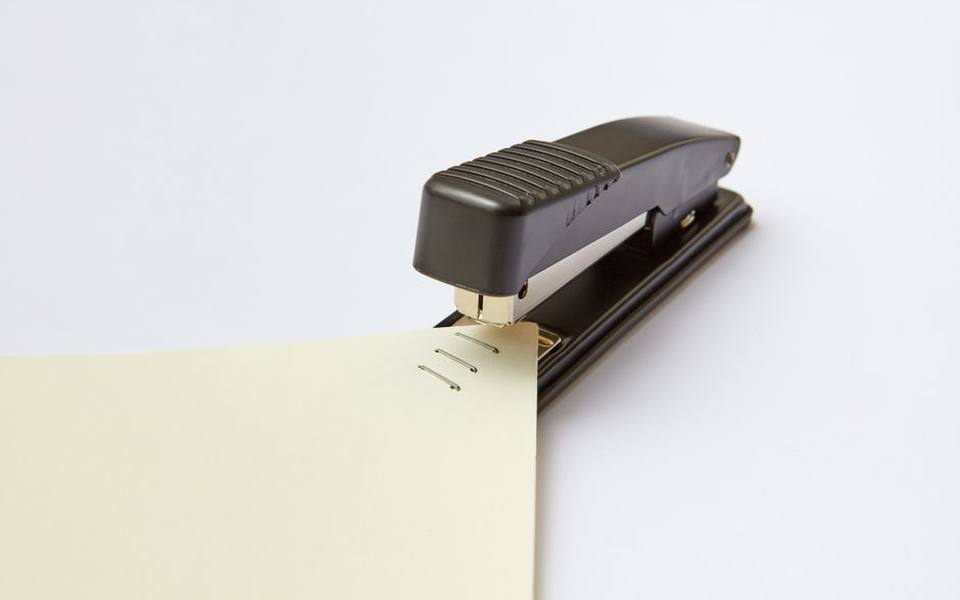
Desktop units built for heavy stacks rely on steel chassis construction and extended leverage arms to punch through dense paper blocks with minimal hand strain. A standard desktop model might handle twenty sheets, whereas an authentic heavy duty stapler is engineered to pierce stacks ranging anywhere from sixty to over two hundred sheets in a single smooth press. These heavy units feature broad metal bases that stay anchored to the desk rather than skidding across smooth laminate tops.
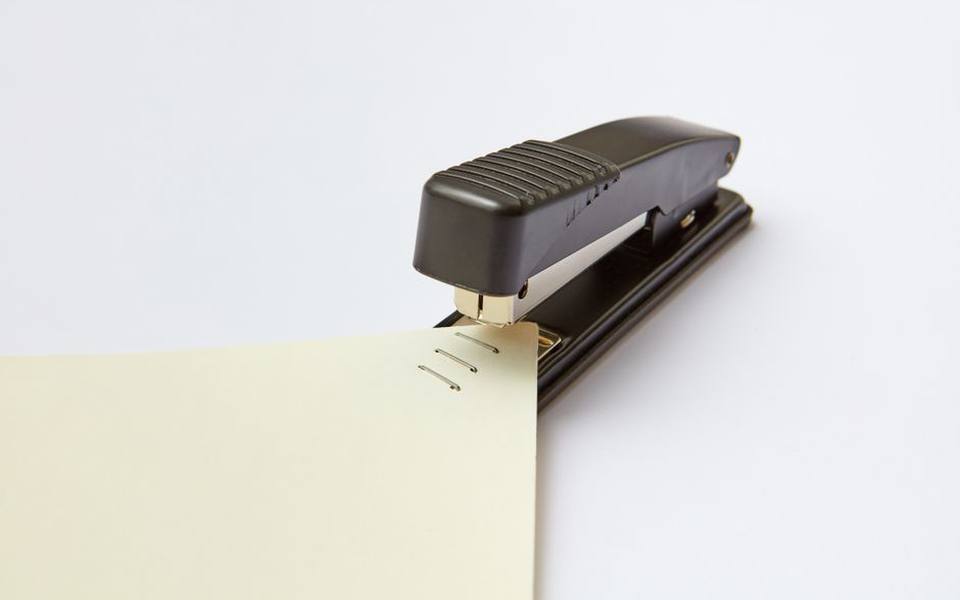
Selecting the correct staple leg length is just as important as the frame of the machine. When loading a swingline heavy duty stapler, using standard light-gauge fasteners will immediately result in bent legs and jammed magazines. Pairing the tool with dedicated swingline heavy duty staples—which are manufactured from hardened steel wire with chiseled tips—ensures that the fastener drives completely straight through the stack before the anvil folds the legs flat against the back page.
For notary workspaces processing estate plans, real estate deeds, and corporate disclosures, keeping heavy duty staples in multiple leg depths (such as three-eighths, one-half, and five-eighths of an inch) is practical. Matching the staple leg length to the exact page count prevents loose document sets where pages slide around, as well as oversized staple prongs that overlap clumsily on the rear of thin packets.
Leverage and Mechanics in High-Volume Workstations
In high-volume settlement offices, manual fatigue becomes a genuine factor during month-end closing cycles. Tools like the bostitch heavy duty stapler incorporate compound leverage hinges that reduce the physical pressing effort by up to fifty percent compared to traditional direct-plunger devices. This mechanical advantage allows an operator to seat a clean bind through eighty pages using only light palm pressure rather than leaning their full body weight onto the workstation.
Reliability in these environments depends on precision manufacturing and clean feed mechanisms. Equipping a desk with dedicated bostitch heavy duty staples prevents common feeding failures, such as dual-pin feeding or wire bucking. Industrial-grade staples feature sharper point bevels designed to slice through paper grain cleanly rather than mashing the fibers down, which preserves a neat, unwrinkled finish across legal presentation covers.
When an office handles hundreds of transactions a week, stepping up to a true industrial stapler provides all-steel internal components that endure decades of continuous impact. Many of these commercial devices feature adjustable paper stops, allowing the operator to set an exact margin depth. This prevents fasteners from straying into recording margins, barcodes, or sensitive document text required by state archival standards.
Handheld Plier Fasteners for Field and Packaging Tasks
Mobile notaries rarely work in the luxury of an ergonomic executive office; they routinely execute documents in coffee shops, hospital rooms, car hoods, or construction job trailers. In these mobile environments, carrying an eight-pound desktop cast-iron press is inconvenient. A heavy duty plier style fastener bridges this gap by delivering significant mechanical leverage inside a compact, handheld hand-squeeze format.
Plier units allow the notary to hold the paperwork in one hand while positioning and squeezing the fastener with the other, eliminating the requirement for a flat, sturdy table. They are particularly effective when sealing heavy Tyvek shipping packages, attaching return airway bills to padded mailers, or securing cardstock file jackets. The enclosed cam action within quality plier mechanisms generates clean penetration through stiff packing materials without bending the fastener legs.
These handheld squeeze tools also excel when managing multi-page court exhibit exhibits and probate submissions. Because plier fasteners frequently use a deep throat design, an agent can reach further inward from the paper edge when assembling specialized document formats or attaching legal backing tabs to complex power of attorney notarization sets.
Understanding the Distinction Between Paper and Wire Tackers
A frequent point of confusion for consumers and beginning mobile professionals involves hardware tackers versus true paper-binding equipment. Tools such as the arrow t 50 stapler and the heavy-duty powershot stapler are household names, but they are built specifically for construction, upholstery, screen repair, and insulation hanging. These tools fire wire fasteners directly into wood, drywall, or dense backing boards using high-energy internal springs.
A construction tacker does not have a lower clinching anvil. When you drive an arrow staples t50 strip against a loose stack of paperwork, the sharp wire points simply puncture through the paper and project outward like open nails. The t 50 staple wire is thick, rectangular, and broad, meaning it tears large entry holes through delicate paper sheets without ever curling underneath to bind the pages together.
Attempting to use an industrial tacker or hammer stapler for legal sets ruins the document presentation and will cause immediate rejection by recording clerks and title examiners. Wire tackers belong in the garage or maintenance room for crating and logistics; legal files must always be bound using dedicated clinching units that fold the fastener legs flat against the back sheet.
Dual-Tray Printing and High-Speed Scanner Setups
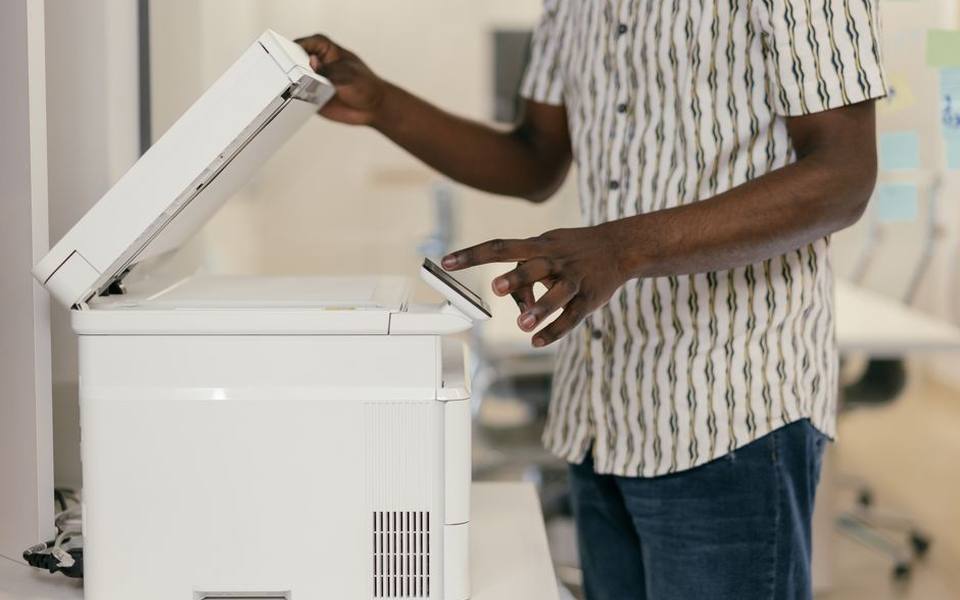
Binding documents is only the final physical step in modern workflow; digitizing and verifying paperwork before and after signing is equally critical. For mobile signing agents, a dual-tray laser printer and a high-speed sheetfed scanner are fundamental tools. Real estate packages contain a mix of legal-sized and letter-sized documents, requiring printers that automatically pull from the correct tray without human intervention.
After the signing appointment, packages must typically undergo immediate scan-backs for title company approval. High-capacity, duplex document scanners can pull fifty to eighty sheets per minute through an automatic document feeder. However, running stapled paperwork through an automated scanner feeder will severely scratch the optical glass, shatter the roller assemblies, and rip the original documents.
Because of this workflow tension, many settlement agreements require documents to remain completely unbound until the scan-back file has been generated and verified. Many consumers now choose remote online notarization specifically to bypass paper printing, scanning jams, and manual delivery logistics, keeping the entire file strictly electronic from signature to recording.
County Recording Margin Rules and Fastener Placement
Every county recorder maintains strict statutory guidelines regarding paper handling, margin widths, and fastening locations. In most states, the top margin of the first page of a deed or mortgage requires a blank clearance of two to four inches to accommodate the official recording stamp, indexing barcode, and recording fee receipt. Driving a wide fastener through the upper right or center of that blank space can render the file unrecordable.
Standard practice mandates placing a single staple in the upper-left corner at a slight angle, typically forty-five degrees, sitting roughly one-half inch from the page edges. This diagonal orientation allows the pages to flip cleanly like a hinge without ripping the paper fibers around the staple prongs. Some county recording offices even mandate that recorded pages remain entirely loose, secured only by removable clips, because technicians must feed every sheet individually through high-speed flatbed scanning units.
Professionals listed on national directories, including over 4,212 listings in top states across the country, understand that following local county clerk rules prevents costly re-signing trips. When a closing file must be re-executed because an improper fastener punched through an essential recording barcode, both the borrower and the lender experience needless settlement delays.
Apostilles, Archival Binding, and Secure Eyelets
International documents operate under distinct presentation and security criteria that go well beyond basic wire staples. For records destined for overseas recognition through an apostille service, state secretarial offices frequently reject documents bound with standard office staples. Foreign ministries require permanent, tamper-evident binding methods that make it impossible to extract or insert unauthorized pages after certification.
In these specialized transactions, offices utilize heavy-duty metal eyelet setters, grommet punchers, or traditional ribbon seals. A metal eyelet punch pierces a precise round hole through the entire packet, inserts a brass or silver grommet, and crimps the metal flange securely into place. Removing a brass eyelet without tearing the paper is essentially impossible, providing visible proof of document integrity.
Similarly, archival ribbons threaded through punched legal documents and secured beneath an embossed gold wafer seal represent the gold standard for diplomatic authentication. Understanding when to set aside the standard wire stapler in favor of archival grommets or eyelets is essential for anyone processing international powers of attorney, adoption files, or corporate certificates of good standing.
Safe Staple Extraction and Page Preservation
Just as important as binding papers together is the ability to separate them cleanly without shredding margins. Traditional jaw-style pinch pullers often slip, tearing triangular holes out of the top corner of original legal certificates. In legal practice, a torn certificate corner can raise suspicion regarding whether an original notary seal or embossed stamp was removed or altered.
Professional document preparers rely on flat, slide-action staple lifters or heavy-duty blade extractors. These tools slide a thin steel wedge directly under the crown of the staple, lifting the wire gently while bending the rear legs straight upward. This distributes mechanical pressure across the wide blade rather than pulling directly against the delicate paper fibers.
When a packet must be unstapled for scanning and then reassembled, professionals take care never to punch secondary staple holes directly adjacent to the first set. Multiple puncture marks weaken the paper corner, causing the entire corner piece to detach. If a document must be refastened, sliding the new staple through the exact original puncture holes preserves sheet strength and maintains a clean, professional aesthetic.
Building a Complete Mobile Office Toolkit
A well-prepared mobile signing agent or traveling legal secretary carries an intentional selection of fastening and document handling equipment. Relying on clients or title signers to provide staples, pens, or clips almost always results in disorganized, non-compliant document submissions. A portable hard-shell case dedicated to stationery tools keeps everything organized and protected against car vibrations.
A balanced mobile kit contains a heavy-duty plier stapler loaded with chiseled fasteners, a small assortment of heavy-capacity wire sizes, a professional slide-blade staple remover, archival paper clips, heavy binder clips in three sizes, and clean cardboard backing boards to prevent packet creasing during courier transit. Carrying archival black ink pens with quick-drying pigment is equally essential to prevent smudge marks on glossy deed paper.
With thousands of active traveling notaries available on NotaryAtlas throughout the nation, professional readiness stands out immediately to settlement agents, escrow officers, and attorneys. Having the precise mechanical tools to punch, secure, scan, and extract legal files cleanly ensures that every notarization satisfies recording standards from the moment it leaves the signing table.
Published 2026-09-20 · reviewed with each rebuild, last September 2026.
Find notaries near you
The directory lists 5,516 notaries by state and city — pick your state or use the “Near me” button in the header.
More guides
-
 Service
A Practical Guide to Power of Attorney: What It Means, Typical Costs, and Proper Execution
-
 Service
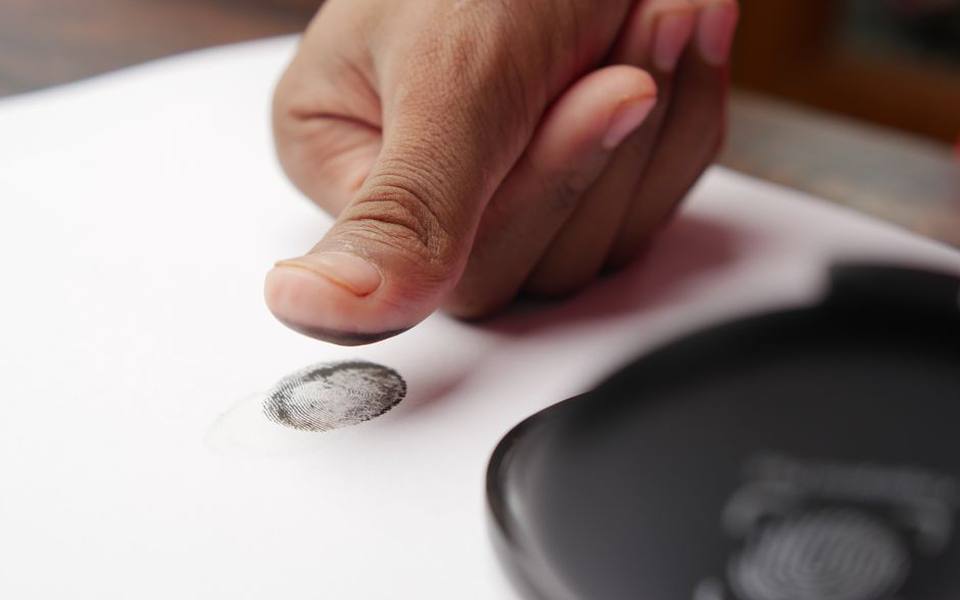
Where and How to Get Fingerprinted for an FBI Background Check
-
 Owning
Understanding Real Estate Deeds: Transfer on Death, Deed of Trust, and Mortgages
-
 Service
What Is an Apostille? How to Get Birth Certificates and Documents Apostilled
-
 Service
Do Banks Notarize Documents? Free Branch Options, Notary Fees, and Licensing Guide
-
 Owning
Essential Legal Documents: Bills of Sale, Estate Affidavits, and Corporate Records
-
 Money
MoneyHow Much Does a Notary Cost? Standard Fees, Travel Rates, and Extra Charges Explained
-
 Owning
Which Documents Need to Be Notarized? Leases, Notes, and Directives Explained
-
 Buying
Complete Bill of Sale Guide: Vehicle, Boat, and General Templates
-
 Service
Form I-9 Employment Eligibility Verification: Acceptable Documents and Rules
-
 Service
LLC Formation Documents, Residence Proof Affidavits, and Legal Verification
-
 Owning
How to Become a Notary Public: Supplies, Stamps, Training, and E&O Insurance
-
 Service
Fingerprinting and Live Scan Background Checks: Methods, Locations, and Cards
-
 Service
A Consumer Guide to Notary Public Services and Remote Online Notarization
-
 Service
Estate Planning Essentials: Wills, Codicils, and Healthcare Power of Attorney
-
 Buying
Vehicle Bill of Sale and Title Transfer Notarization Guide
-
 Service
Live Scan Fingerprinting and FBI Background Check Services Guide
-
 Service
Form I-9 Employment Verification and Identity Proofing Guide
-
 Service
Notary Training, Commissioning, Bonding, and E&O Insurance Guide
-
 Owning
A Complete Guide to Power of Attorney: Types, Forms, and Execution
-
 Money
MoneyHome Refinance and Cash-Out Mortgage Guide: Loan Closing, Rates, and Calculations
-
 Buying
Vehicle Title Transfer and Bill of Sale Guide: DMV Process, Forms, and Notarization
-
 Owning
Estate Planning and Real Estate Document Guide: Wills, Deeds, and Affidavits
-
 Owning
Articles of Incorporation and Corporate Filing Guide: LLCs, Nonprofits, and Bylaws
-
 Buying
Essential Notary Supplies Guide: Stamps, Embossing Seals, Journals, and Scanners
-
 Service
Remote Online Notarization and Mobile Notary Services Guide: How It Works and Costs
-
 Safety
Minor Travel Consent and Passport Documentation Guide: Forms, Rules, and Notarization
-
 Service
International Document Apostille, USCIS Translation, and Legalization Guide
-
 Money
MoneyProperty Tax Appeal and Protest Guide: Process, Filing Forms, and Representation
-
 Buying
Motor Vehicle Bills of Sale and Title Transfers: A Complete Guide
-
 Money
MoneyA Practical Guide to 401(k) Hardship Withdrawals and Emergency Access
-
 Service
Live Scan Fingerprinting, Background Checks, and Identity Verification: A Complete Practical Guide
-
 Service
Notary Public Training, Essential Supplies, and Digital Workflow Guide
-
 Owning
Corporate Formation and Governance: Articles of Incorporation and Board Minutes
-
 Buying
Vehicle Bill of Sale and Title Transfer Notarization Guide
-
 Service
A Practical Guide to Affidavits, Proof of Residency, and Identity Declarations
-
 Money
MoneyMortgage Cash-Out Refinancing: Equity Rules, Liens, and Closing Procedures
-
 Service
Certified Translation Services and State Department Legalization
-
 Service
A Practical Guide to Fingerprinting Services, LiveScan, and Identity Verification